
Your own domain
Use yoursalon.ba instead of a long platform link.
For hair salons
Clients choose a cut or color, the stylist they trust, and a free time. Your team sees the day in one calendar. And your salon gets a beautiful website, not a profile on someone else’s app.
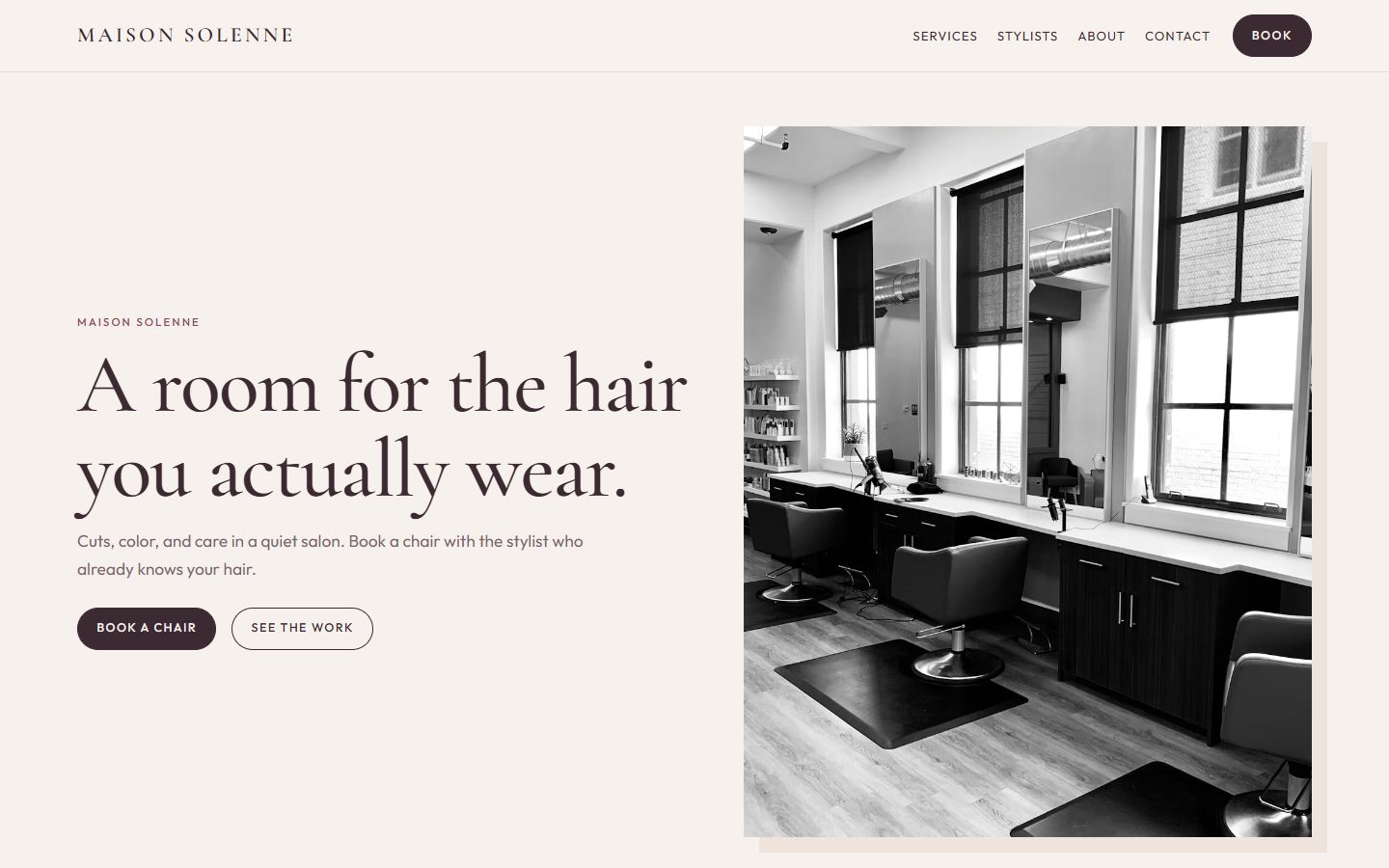
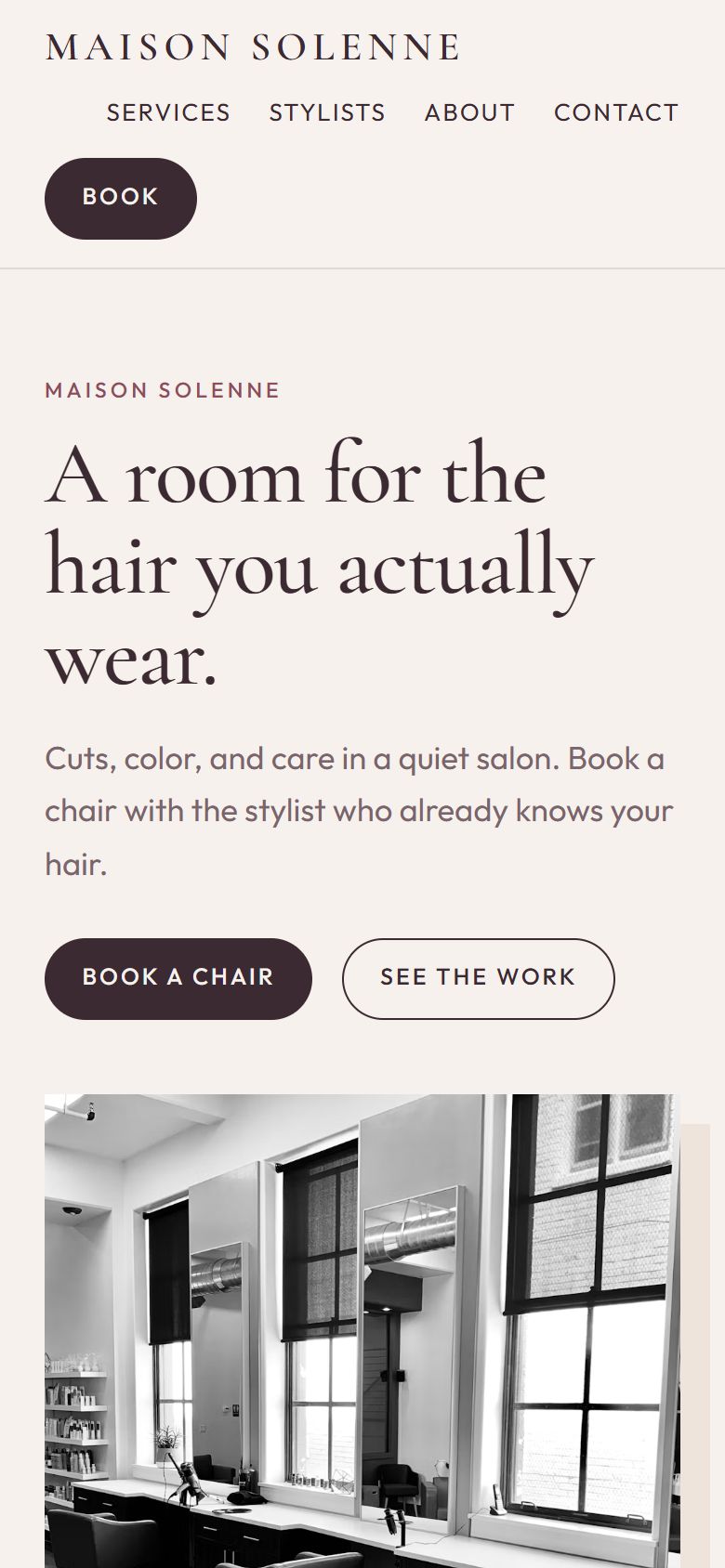
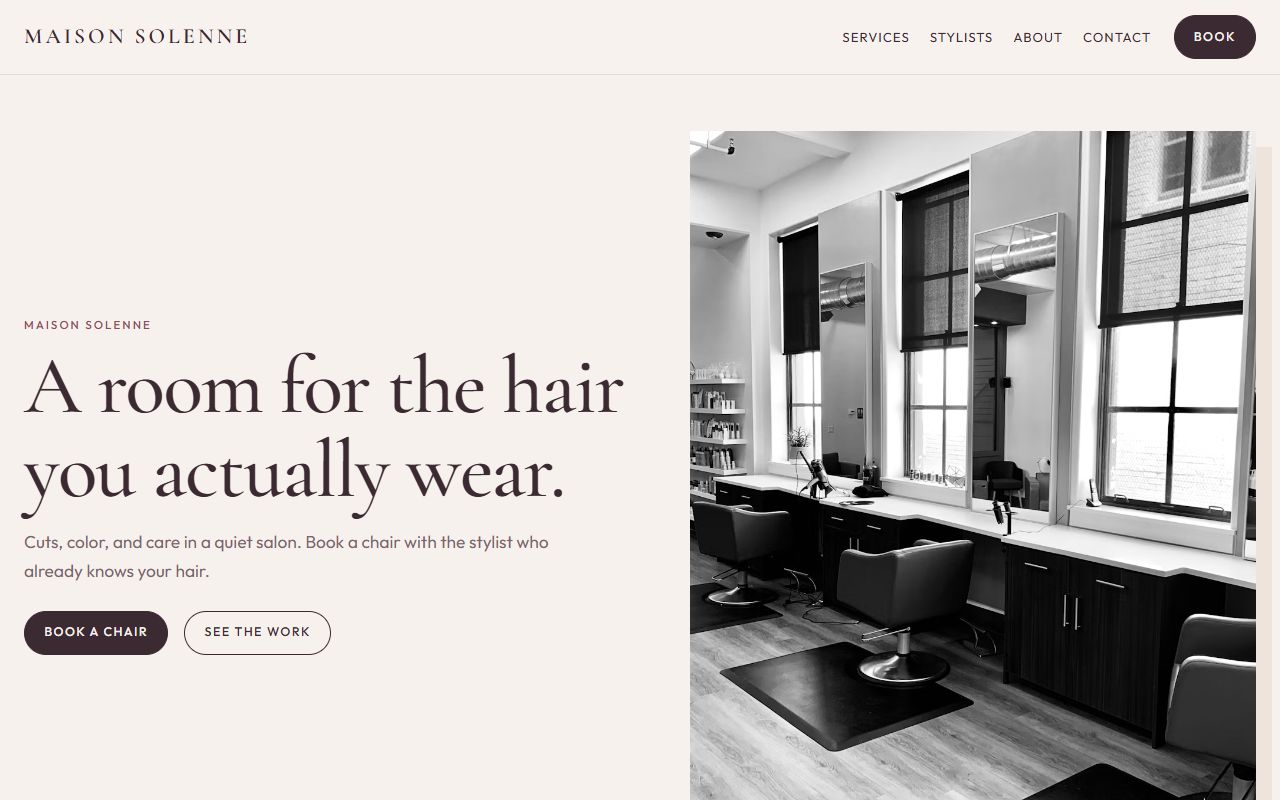
Shown with the Maison Solenne theme · solenne-demo.hypersitez.com
Clients see real free times and book on their own, also at night and on Sundays.
A color takes longer than a blow-dry. Each service books exactly the time it needs.
Clients only see stylists who do the service they picked.
Your website
Maison Solenne comes with the pages a salon needs: home, services with durations and prices, stylists with their own pages, about, contact and FAQ. You replace the demo text and photos with yours.
How clients book
The booking page follows how a salon works. First the service, which sets the length. Then a stylist who offers it, or the first free chair. Then a time that is really open.
Managing bookings
Open the day and see a column for every stylist. Switch to the month to plan ahead, or use the list to find a booking by date, status or service.
Booking rules
The theme sets sensible defaults. You can change the hours clients may book, the time step, how much notice you need, and how far ahead the book is open.
Services and team
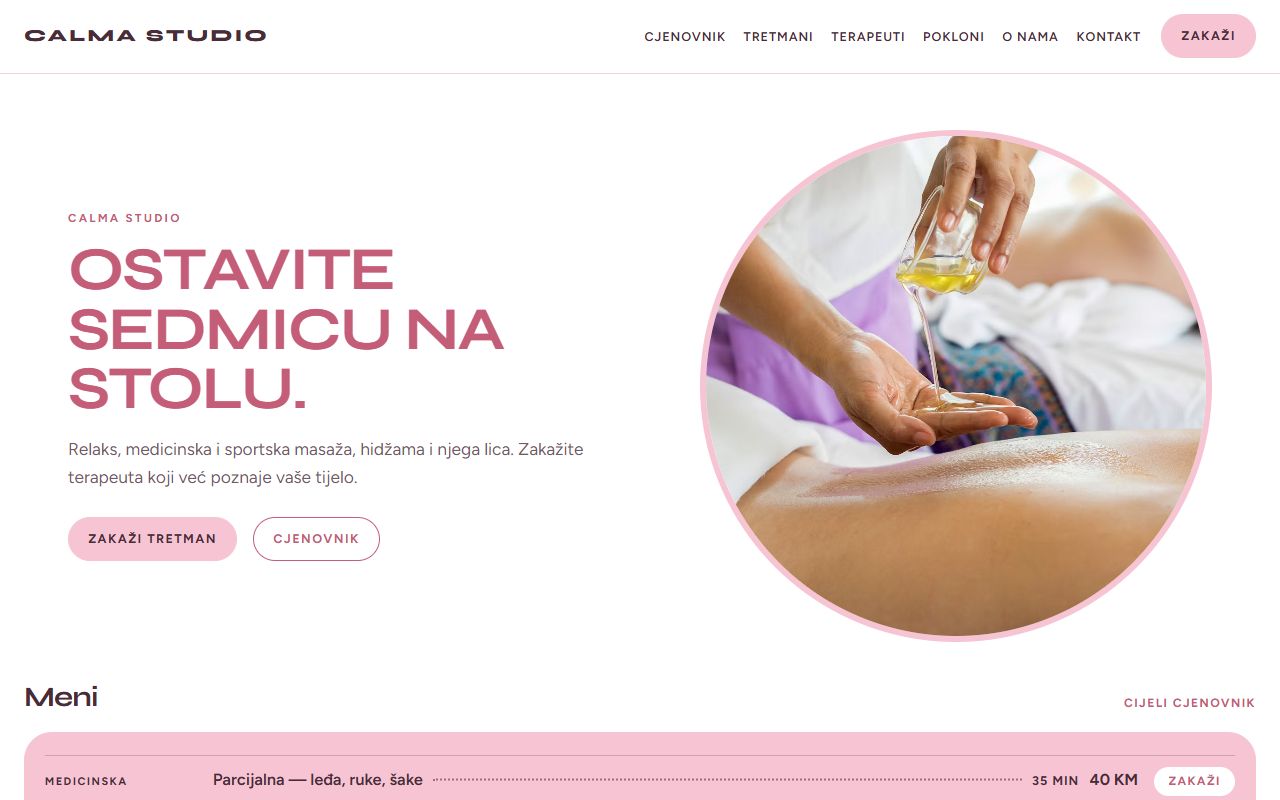
Services and stylists are simple lists in the dashboard. Change a price, add a new stylist or tick which services someone does, then publish. The website and the booking page update together.
Make it yours
Click a heading, a photo or a section on the live page and change it. Add a gallery, reviews, opening hours or a map. Check how it looks on a phone before you publish.
Things salons ask for, already in the box.
Use yoursalon.ba instead of a long platform link.
Write your site in Bosnian and English.
Visitors write to you from the site, you answer in the dashboard.
Contact and inquiry forms, with answers saved for you.
Invite staff and choose what each person can do.
Title and description for every page.
All themes are included in every plan. You can switch later without losing your services.
Pick a plan and a name for your site.
Pages, booking and settings are installed for you.
Replace the demo list with your prices and team.
Put it on Instagram, Google and your door. Bookings start coming in.
Every plan includes the salon themes and unlimited bookings. No fee per booking.
See pricingYes. “First available” offers every free time from all stylists who do that service.
Yes. Each service has its own duration, and the booking takes exactly that long in the stylist’s calendar.
Yes. New bookings can wait as “pending” until you confirm them. The client gets an email once you do.
Tick the services each stylist offers. Clients only see the stylists who can do what they picked.
Hair salons
Open the demo and try booking a time, or create an account and set up your own salon.