
Inquiry forms
For custom trips and group offers.
For travel agencies
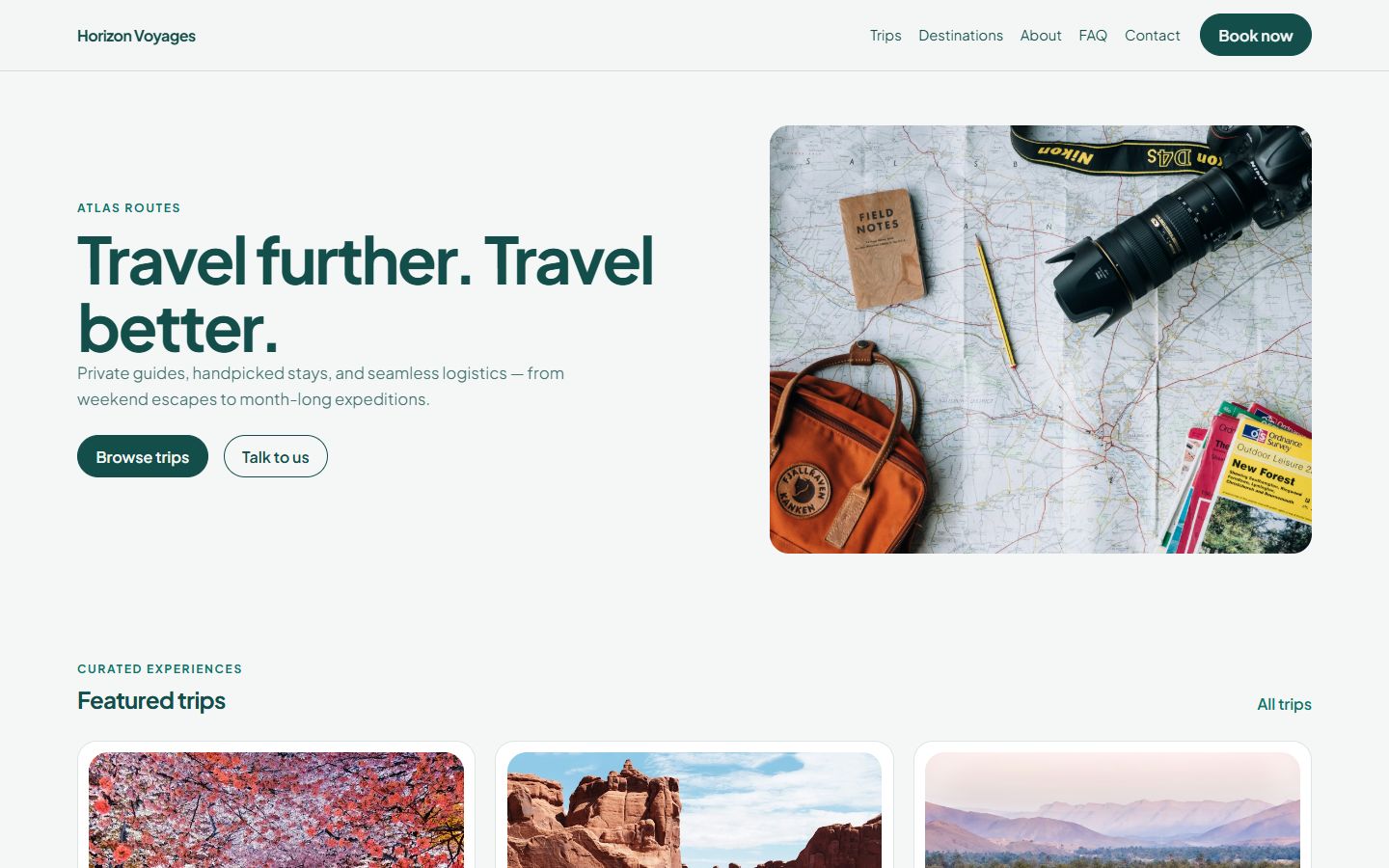
Publish trips with dates, prices and the number of places. Travelers search by date, see what is left and book. You see every departure fill up in one dashboard. All on a travel website that looks like a premium agency.
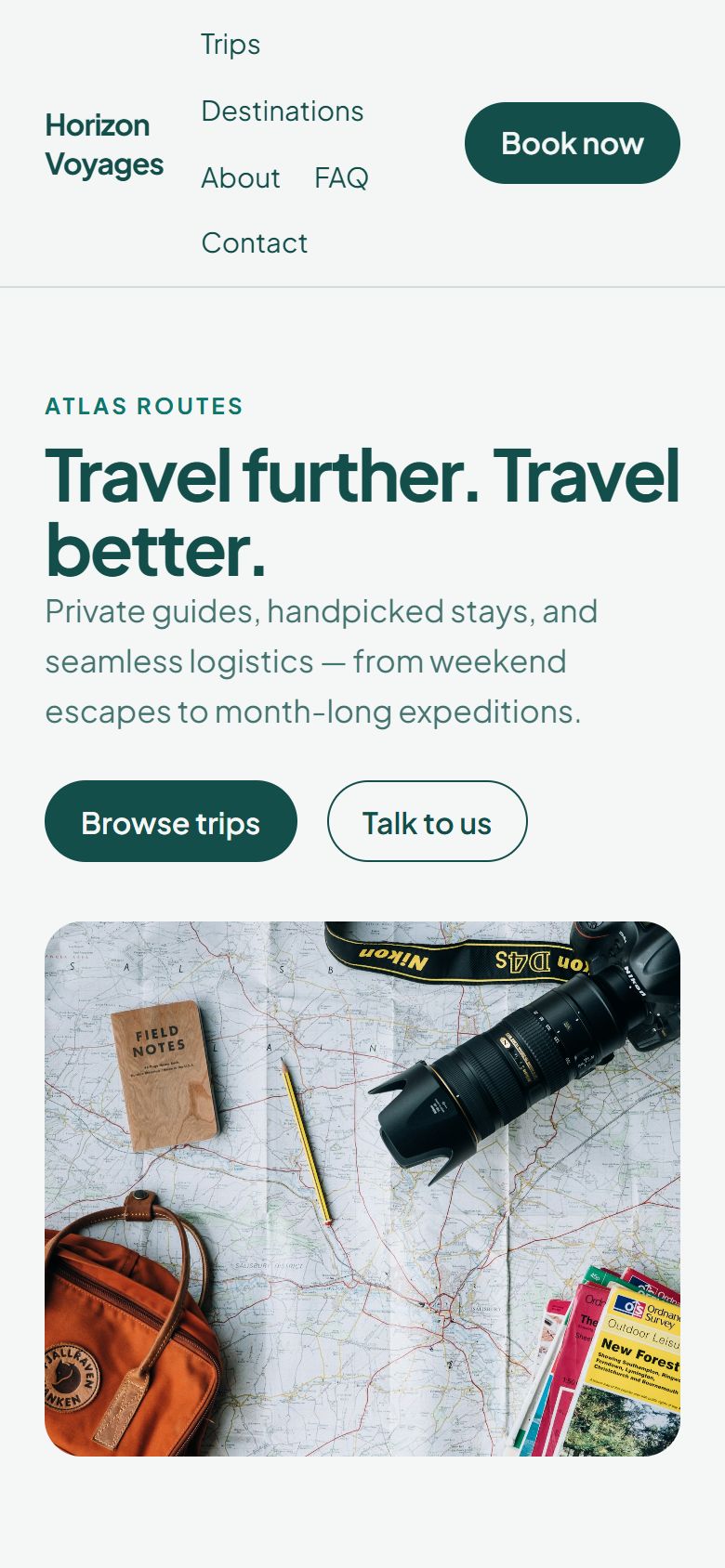
Shown with the Atlas Routes theme · travel-demo.hypersitez.com
Every booking lowers the places left. When a departure is full, it shows as booked.
Big photos, clear prices and duration on every trip page.
Bookings, forms and chat messages all land in your dashboard.
Your website
Atlas Routes comes with home, trips, destinations, about, consultations, FAQ and contact pages. Each trip and each destination gets its own page.
How travelers book
Travelers enter their dates and how many people are going. They see which trips still have places, with the next departure and seats left, and book.
Managing bookings
Open a trip to see every departure, who booked, how many places they took and how many are left. Or see all bookings in one list.
Booking rules
Set the capacity of each departure and the period in which bookings are open. Choose whether bookings are confirmed at once or wait for you.
Trips and destinations
Trips and destinations are lists in the dashboard. Add photos, price, duration and description, then publish. It appears on the site with booking.
Make it yours
Change any text, photo or section on the live page. Add reviews, galleries and contact forms. Preview on phone and desktop.
What an agency needs beyond booking.
For custom trips and group offers.
Answer questions while travelers browse.
Sell to locals and foreigners.
youragency.ba, not a platform link.
See which trips people look at.
Agents log in with their own accounts.
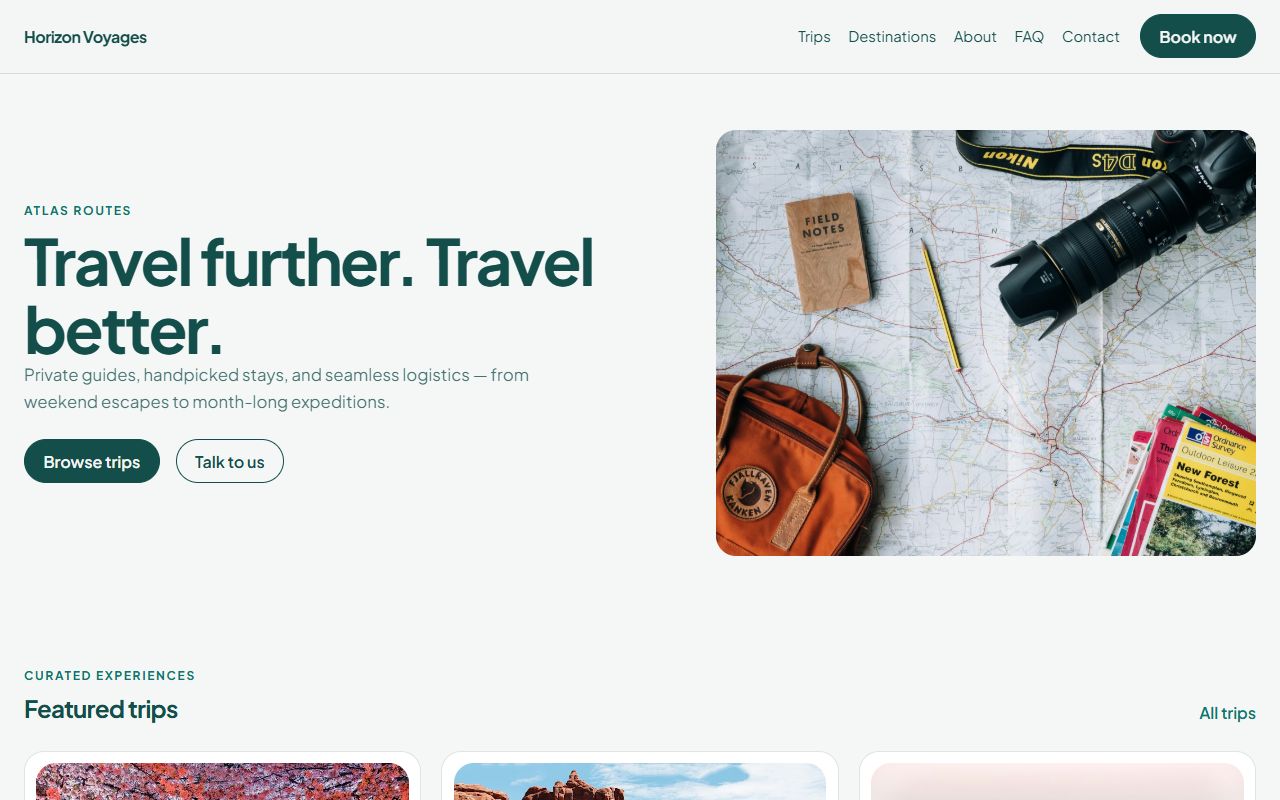
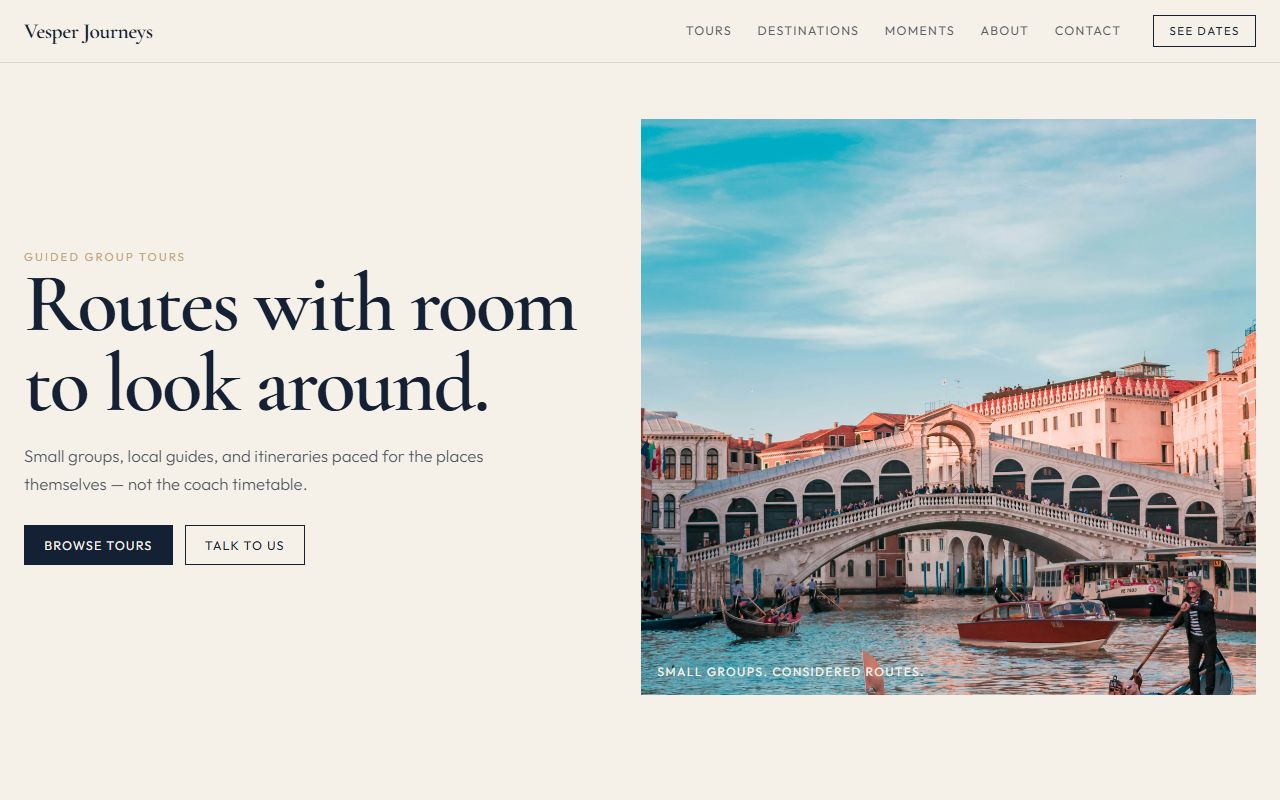
Both travel themes are included in every plan.
Pick a plan and a name.
Pages and booking are installed.
Prices, dates, places.
Social media, newsletters, Google.
Yes. The traveler chooses how many places to book, and they are taken from the departure.
It can no longer be booked and is shown as booked on the site.
No. You pay one monthly price for your plan.
Yes. Use inquiry forms and the chat button for anything that is not a fixed departure.
Travel agencies
Search for a trip and see how places are shown, then build your own.