
Inquiry forms
For private groups and custom routes.
For tour operators
Every tour gets a page with its route and photos. You publish dates with a number of places, and guests book seats until it is full. You see who is coming on each departure. All on an elegant site that feels like a boutique operator.
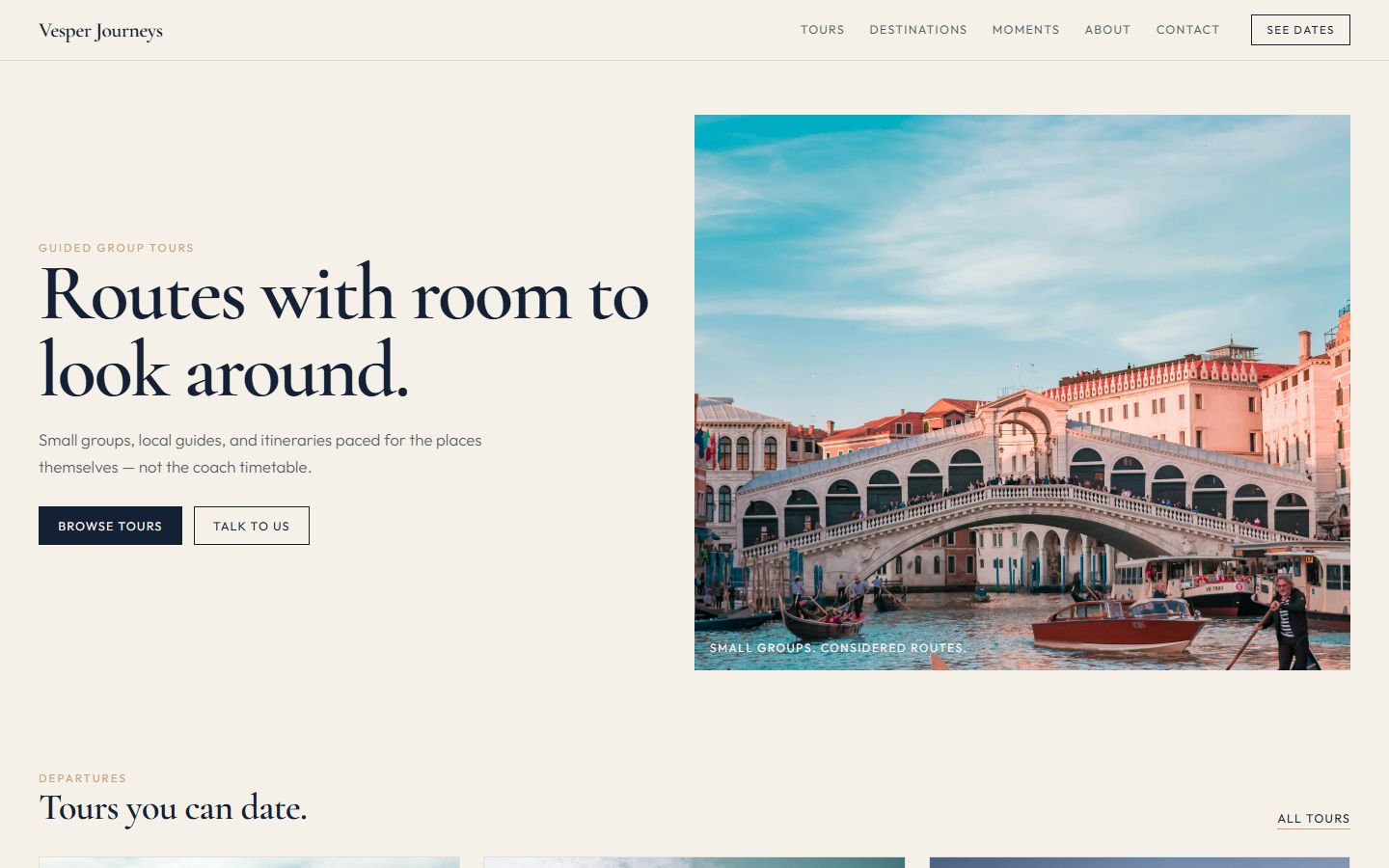
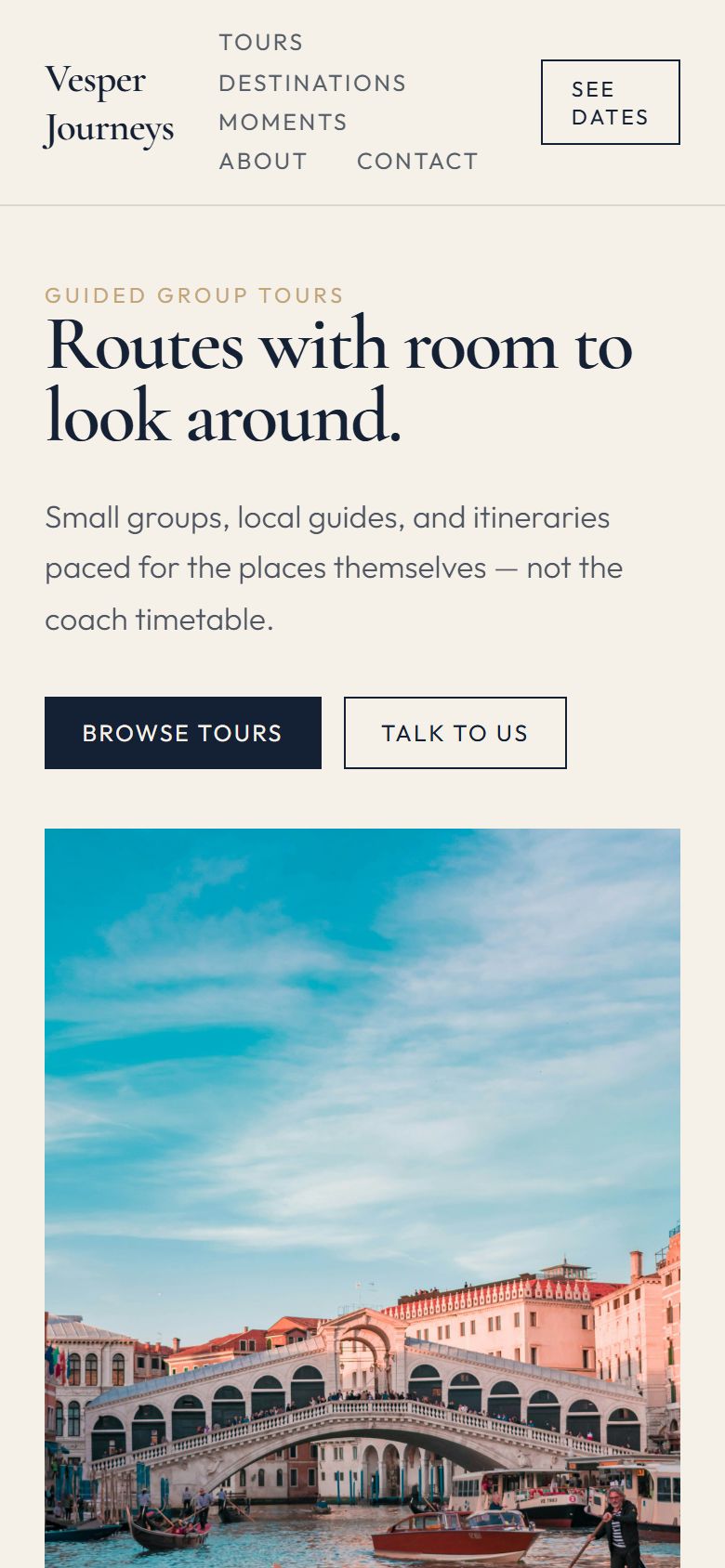
Shown with the Vesper Journeys theme · vesper-demo.hypersitez.com
Guests book an exact departure, not a random time.
When places run out, the departure is closed.
Itineraries, destinations and moments from past trips.
Your website
Vesper Journeys has a home page, tours, destinations, moments (a gallery of past trips), about and contact. Each tour has its own page with the route and photos.
How guests book
Guests open a tour, pick one of the dates you published and say how many people are coming. Places are taken from that departure right away.
Managing departures
Open a tour to see every departure with booked and remaining places, and the guests on it. Confirm, decline or cancel with one click.
Booking rules
Set the number of places for each departure and when booking opens and closes. Choose instant confirmation or approval.
Tours and destinations
Tours and destinations are lists in the dashboard. Add a tour with photos and its route, add departure dates with places, publish.
Make it yours
Change any text, photo or section on the live page. Add galleries, reviews and forms. Preview on phone and desktop.
Everything around the booking.
For private groups and custom routes.
Your guests come from everywhere.
Answer questions before they book.
yourtours.com with your name.
See which tours get attention.
Guides and office staff with their own logins.
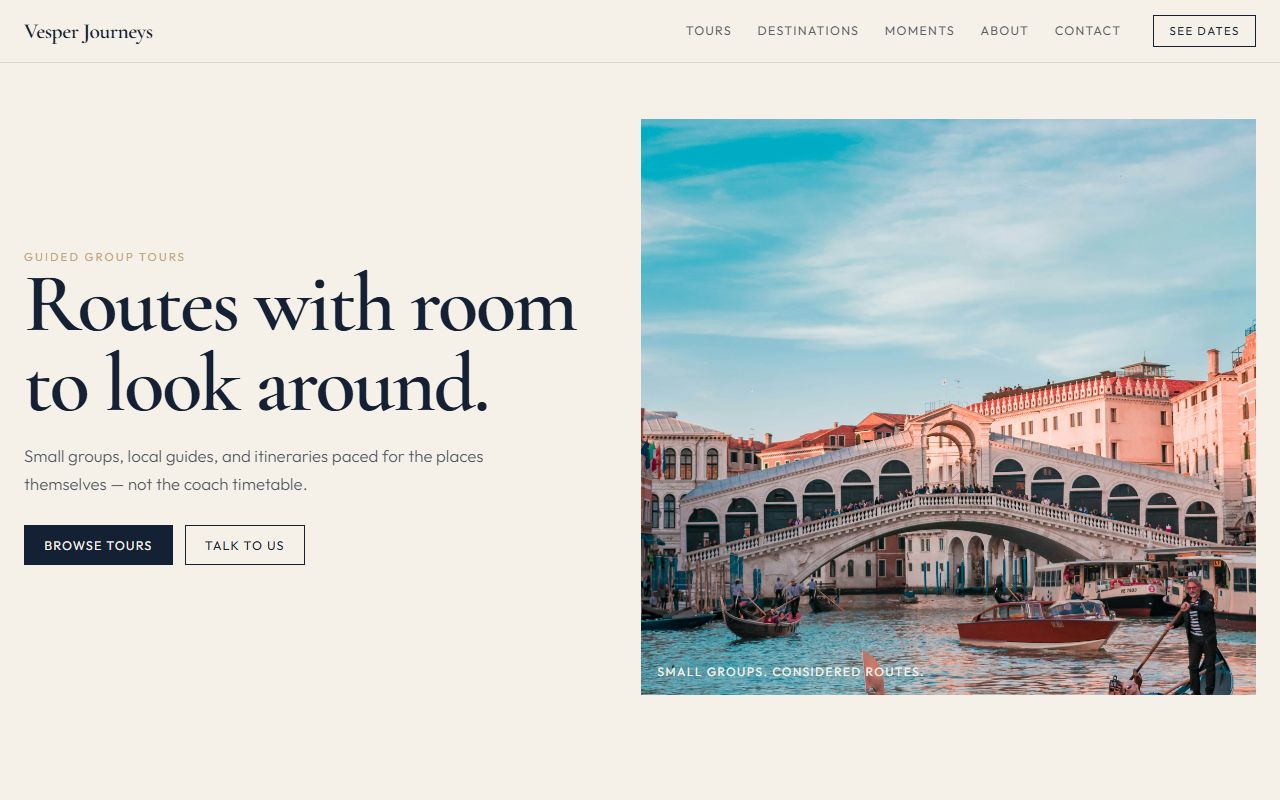
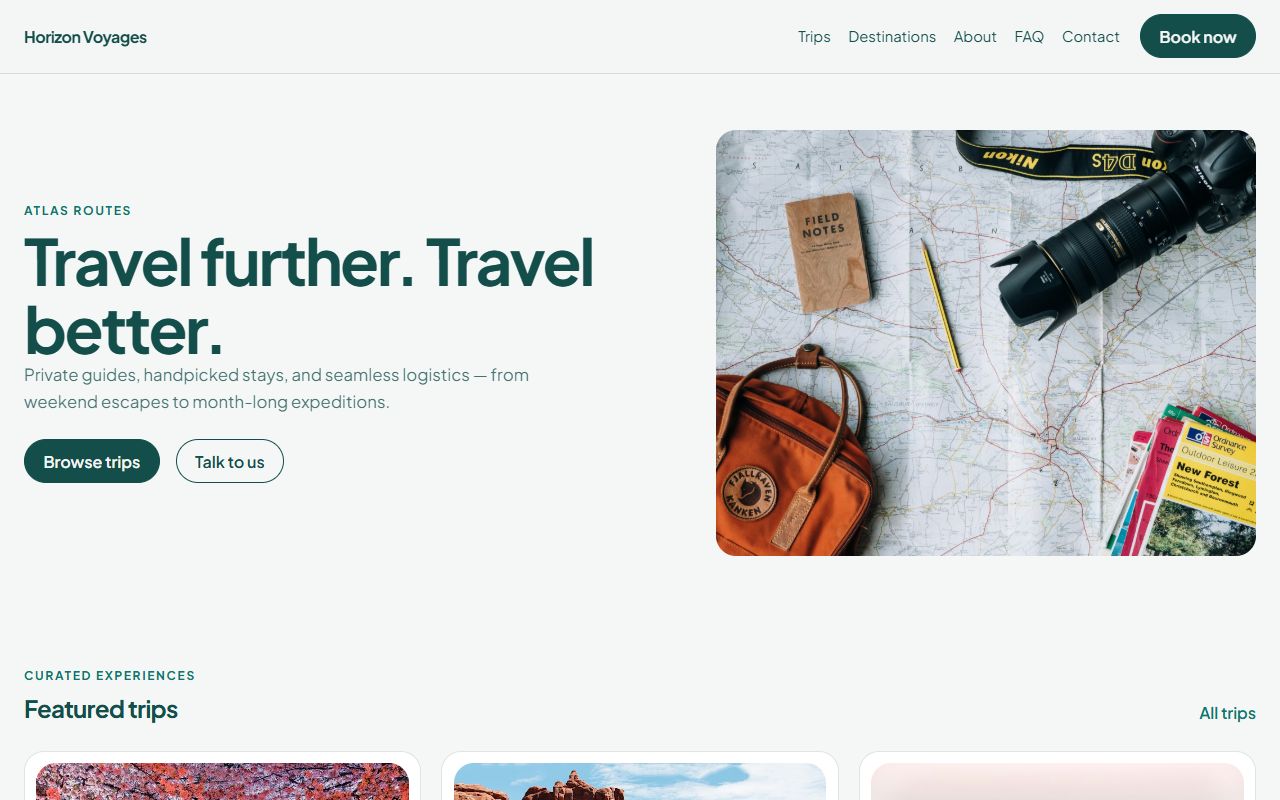
Both travel themes are included in every plan.
Pick a plan and a name.
Pages and departure booking are installed.
Routes, photos, places.
Partners, social media, Google.
Yes. They choose the number of people, and those places are taken from the departure.
Yes. Each departure shows who booked and how many places they took.
No. One monthly price for your plan.
Yes. Write every page in Bosnian and English.